





Kid & Kid

Happy little games that help kids grow.

Paint, build, puzzle, play the piano and take care of a cuddly pet. Kid & Kid is one safe place full of gentle games that are fun today and useful for life. No ads. No strangers. Parents stay in control.

Play nowIn the browser: phone, tablet or computer Android phone & tabletComing soon on Google Play
  • For kids aged 2 to 14
  • Start free with gift coins
  • One account for the whole family
  • No ads, ever
  • No ads Nothing pops up, nothing to click away.
  • No strangers No chat, no messages, no bullying.
  • Gentle games No violence, no blood, no scares.
  • Parents in control You set the play time and pick the games.

Twelve little games, one happy place

Games for kids from 2 to 14 years old. Every game is short, friendly and made with care. Each one is fun first, and quietly trains something useful along the way.

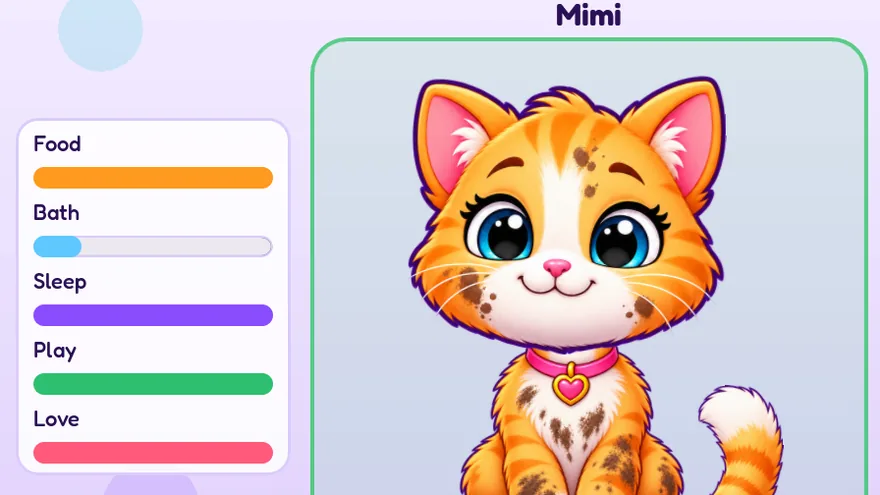
A happy kitten with bars for food, bath, sleep, play and love
Ages 3–8

Pet Care

Adopt a kitten, a puppy, a lamb or a chick and give it a name. Feed it, wash it, brush it, play with it and tuck it in. A forgotten pet only looks a little sad: it never gets sick.

Kids practise

  • Caring for others
  • Daily routines
  • Feelings
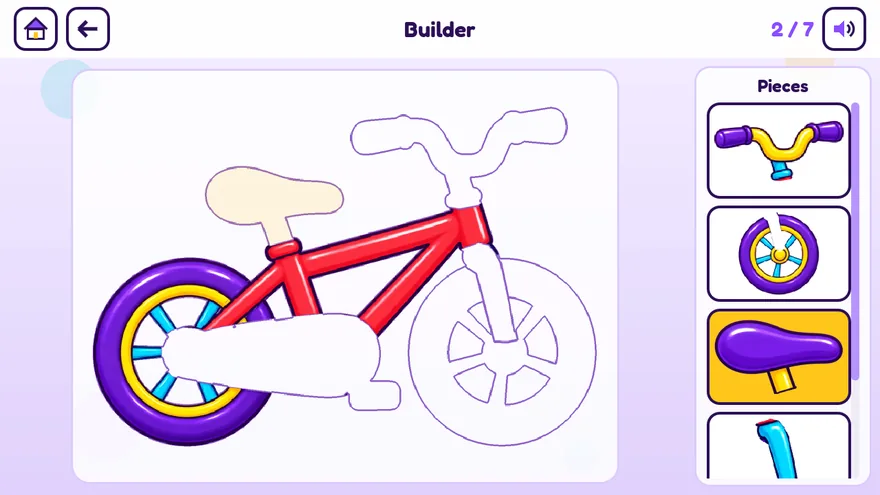
A bicycle being built from loose pieces
Ages 3–8

Builder

Build a bike, a car, a robot or a rocket: drag every piece onto its outline. The builds grow a little bigger step by step.

Kids practise

  • Shapes and space
  • Problem solving
  • Fine motor skills
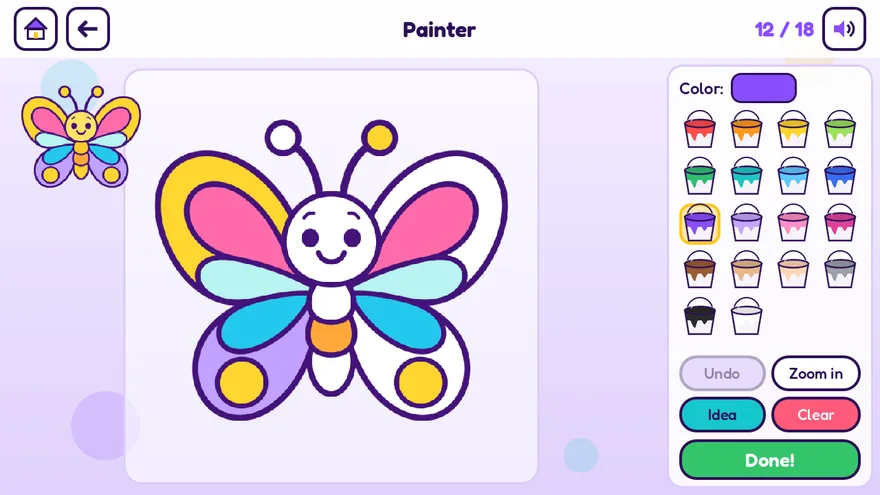
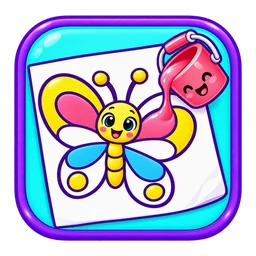
A butterfly being colored with paint buckets
Ages 2–8

Painter

A coloring book with little paint buckets. Pick a color, tap a part and the picture comes alive. There are no wrong colors here.

Kids practise

  • Colors
  • Creativity
  • Fine motor skills
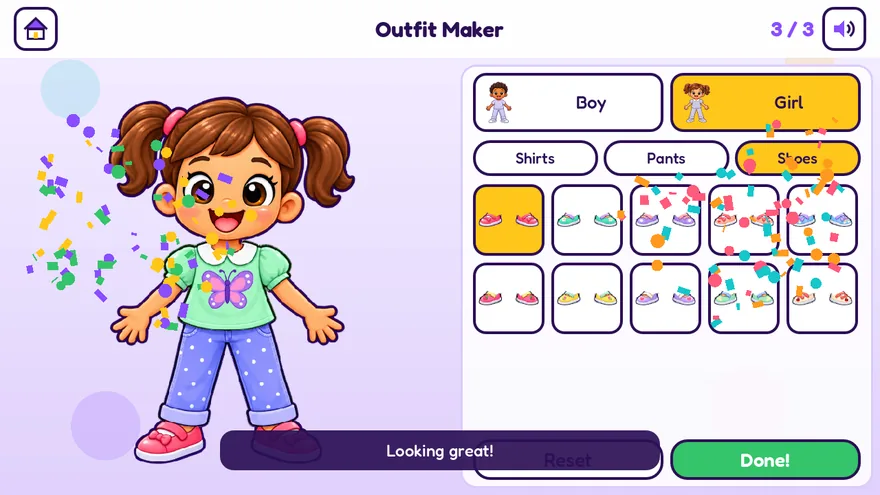
A girl dressed in an outfit the player put together
Ages 3–8

Outfit Maker

Dress a boy or a girl with shirts, pants and shoes, and mix them into outfits that are all your own.

Kids practise

  • Creativity
  • Making choices
  • Colors
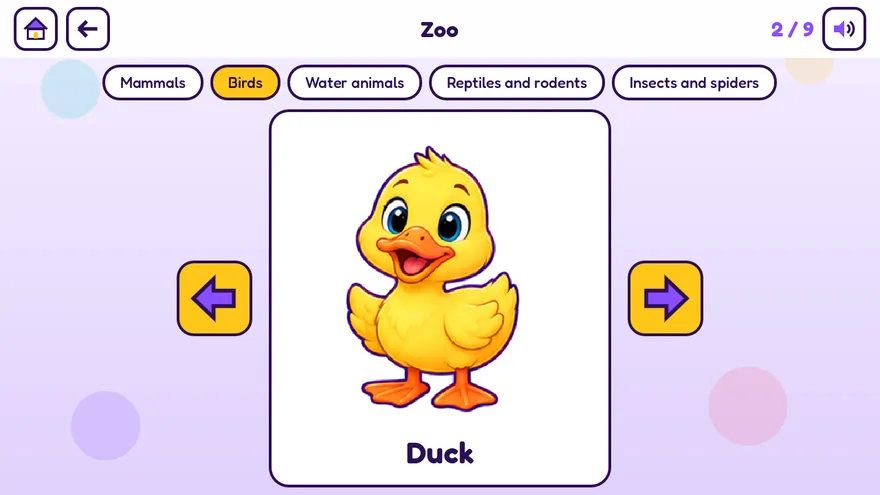
A card with a duck and its name
Ages 2–6

Zoo

Meet lots of animals and learn their names, from ducks to dolphins. Then play Find it!, Guess it! and Memory with them.

Kids practise

  • New words
  • Memory
  • Looking closely
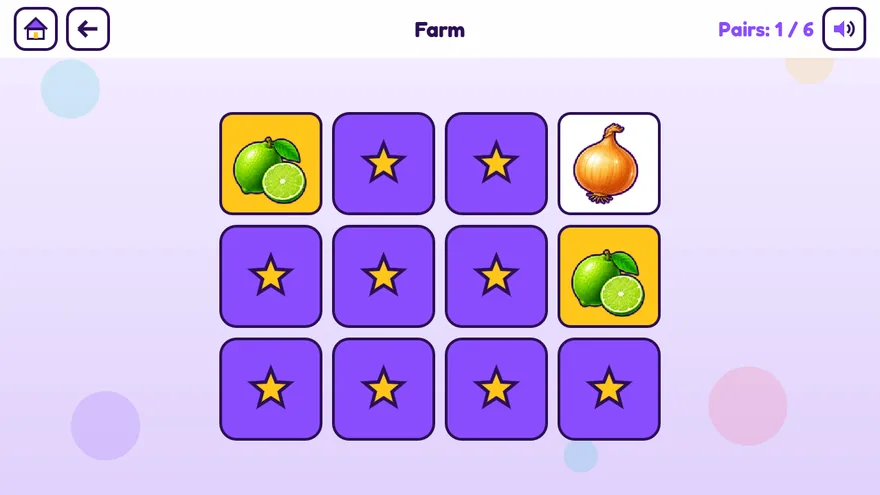
A memory game with fruit and vegetable cards
Ages 2–6

Farm

Discover fruits and vegetables and learn what they are called. Then find them, guess them and match them in pairs.

Kids practise

  • New words
  • Memory
  • Healthy food
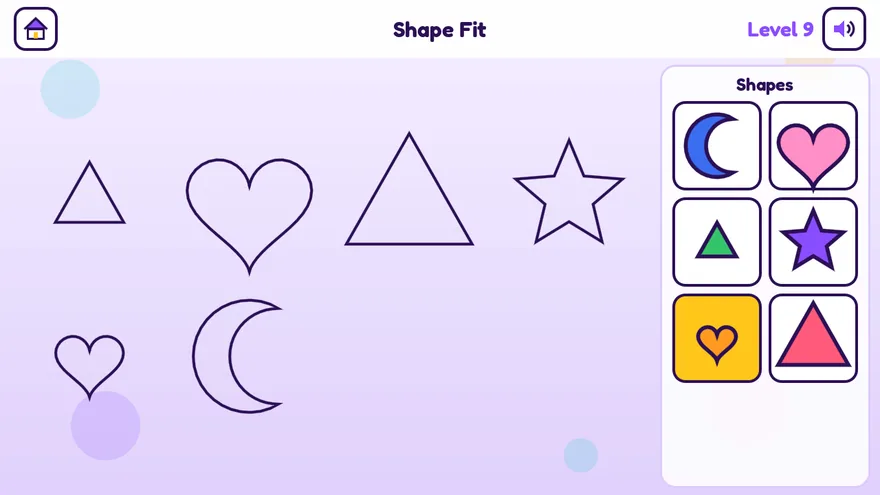
Colorful shapes waiting to be put into their outlines
Ages 2–5

Shape Fit

Hearts, stars, moons and triangles: put each colorful shape into the outline with the same shape and size.

Kids practise

  • Shapes
  • Sizes
  • Problem solving
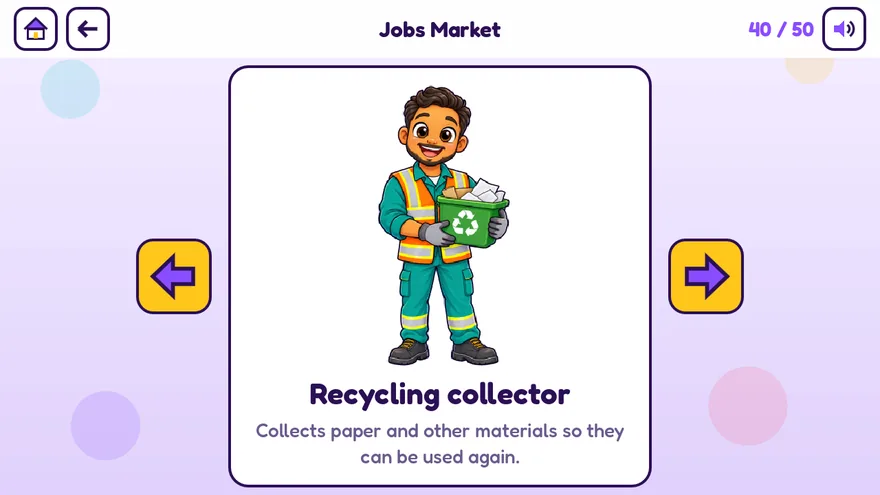
A card about a recycling collector and what the job is about
Ages 3–8

Jobs Market

Who does what? Meet the baker, the doctor, the firefighter and many more, and learn in one line what each job is about.

Kids practise

  • New words
  • The world around us
  • Memory
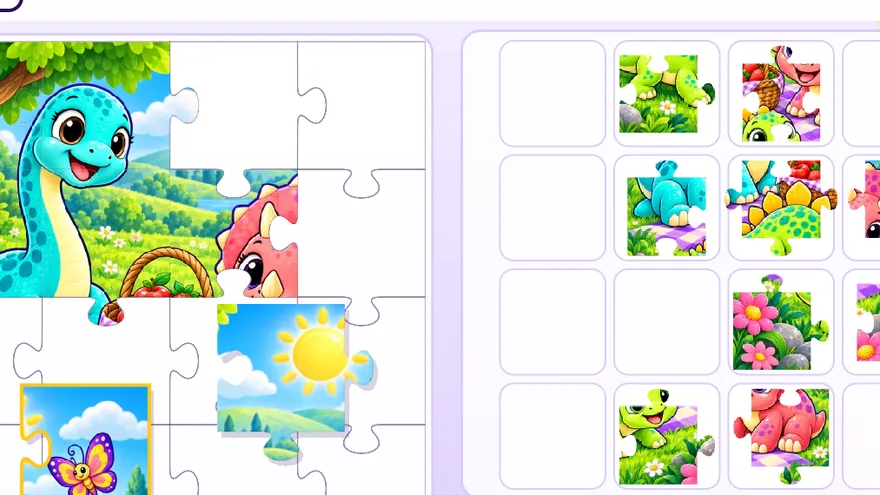
A jigsaw puzzle of a friendly dinosaur, half finished
Ages 3–10

Puzzles

Real jigsaw pieces on the screen. Your child picks how many pieces, from a few big ones to a real challenge, and puts the picture back together.

Kids practise

  • Shapes and space
  • Problem solving
  • Looking closely
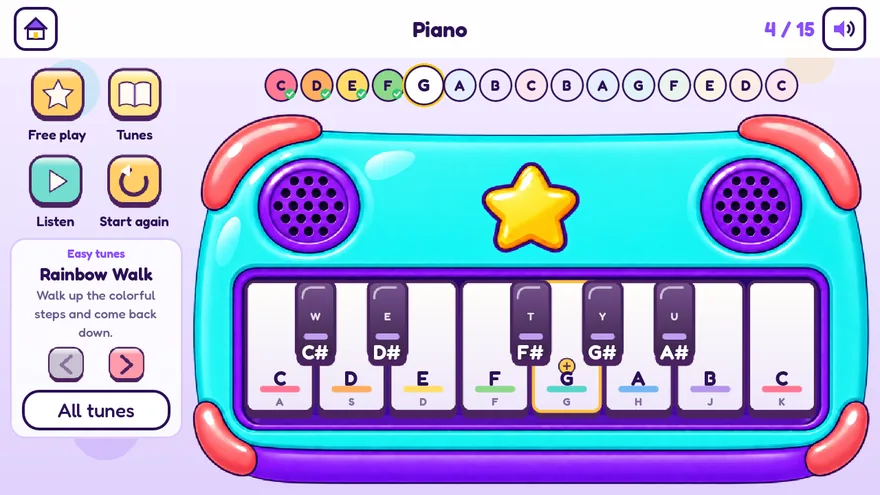
A colorful toy piano with a tune to follow
Ages 3–8

Piano

A toy piano for little fingers. Play freely, or follow a tune: the next key lights up and waits for you.

Kids practise

  • Music
  • Listening
  • Looking closely
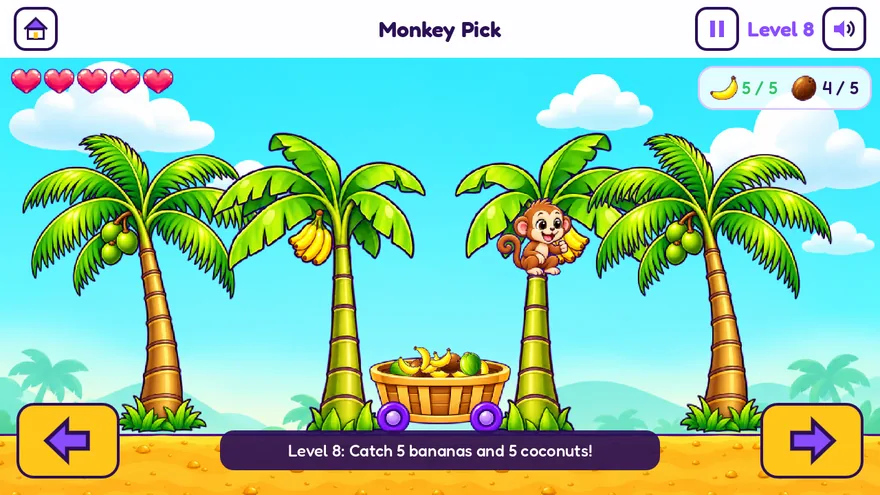
A monkey in a palm tree throws bananas into a basket on wheels
Ages 4–9

Monkey Pick

A cheeky monkey throws bananas and coconuts from the trees. Roll the basket under them and count up to each level's goal.

Kids practise

  • Hand-eye coordination
  • Counting
  • Focus
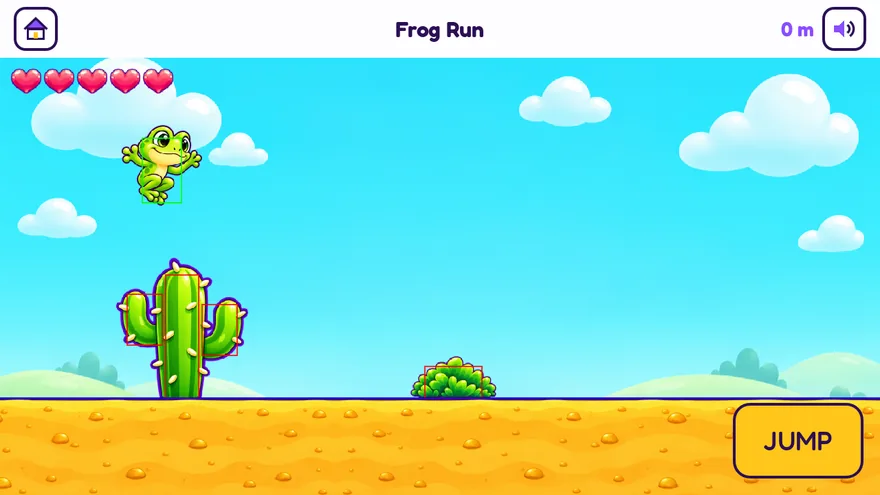
A little frog jumps over a cactus in a sunny desert
Ages 4–10

Frog Run

A little frog runs through the desert. Tap to hop over bushes, stones and cactuses, and catch flies on the way.

Kids practise

  • Timing
  • Quick reactions
  • Focus

More games are on the way

We keep adding new games, for little ones and for bigger kids up to 14. Every new game and every game update comes with your family account: there is no separate charge to get them. In the parent area you choose which games each of your kids may play, the new ones too.

The ages are only a guide. You know your child best, and you choose which games each child sees.

Screen time you can feel good about

We are building a home for parents who want their kids to play safely: games that are useful and leave something behind, and that are still real fun. Every game here is made to grow a different side of a child.

  • Love
  • Care
  • Smart thinking
  • Happiness
  • Art
  • Useful knowledge

One family account. You hold the keys.

A parent signs up once. Every child gets their own profile with their own scores, and the whole family shares one account on every device.

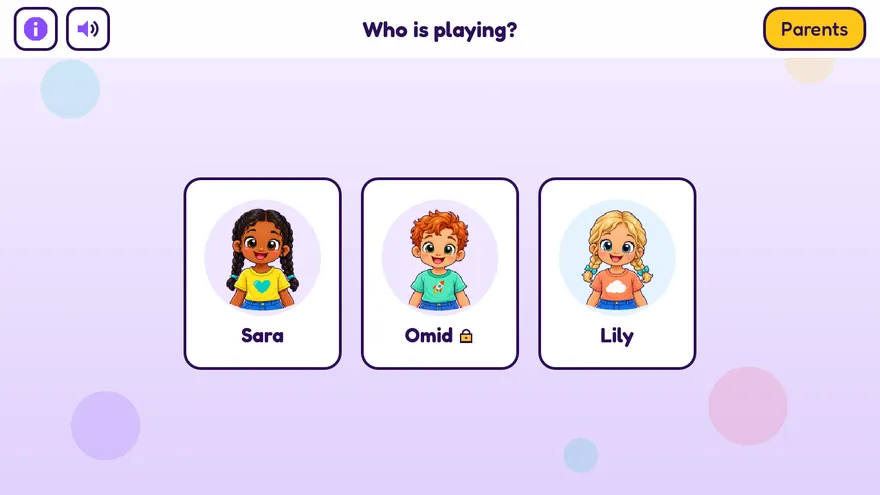
The Who is playing? screen with three kid profiles

A profile for every child

Just a nickname, a picture from our own set and an age. Kids never need an email or a password. You can lock a profile with a little PIN, so brothers and sisters keep to their own games.

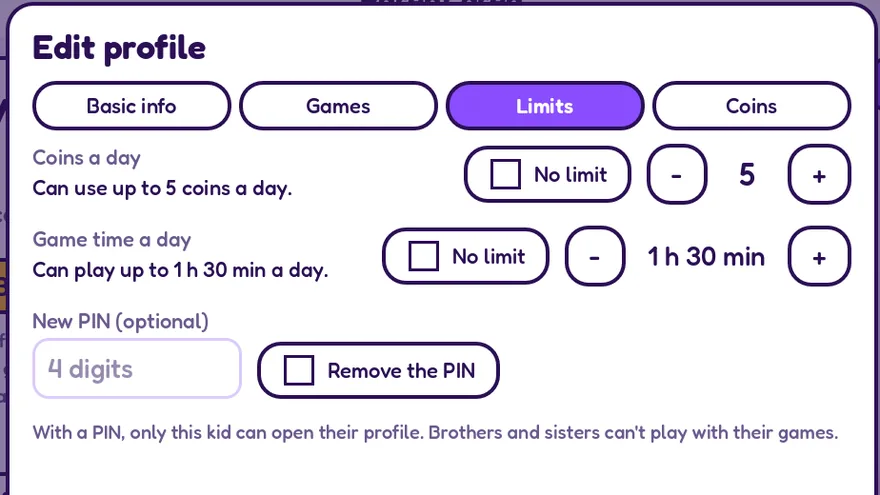
The limits of a kid profile: coins a day, game time a day and a PIN

A time limit that sticks

Set how long each child may play per day. When the time is up, the round can be finished and the games close until tomorrow. You can also cap the coins a child may use per day.

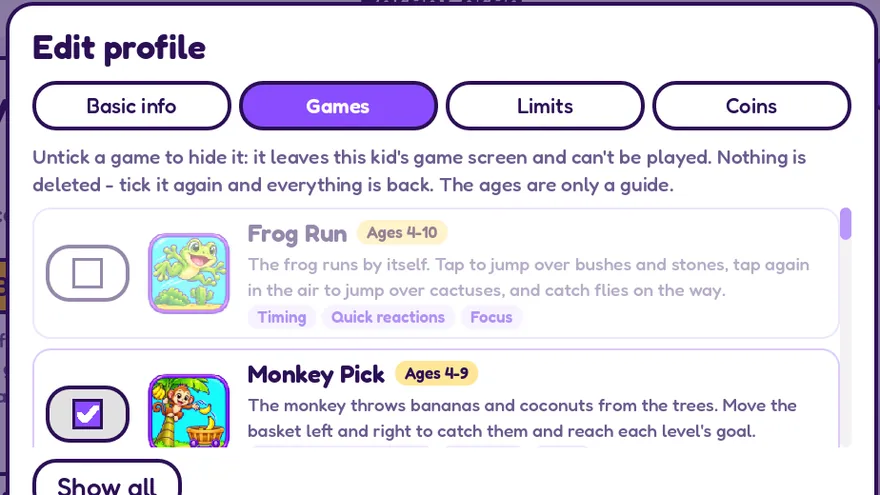
The list of games of a kid profile, with a tick box per game

You pick the games

Hide the games that do not fit your child yet. Each game shows its age guide and what it trains. Hiding deletes nothing: tick it again and everything is back.

The parent area opens only with your password. Kids cannot change limits, buy anything or delete a profile.

A safe place to play

Your child plays alone or next to you, never with strangers. Nobody can talk to them, find them or hurt them here.

  • No chat and no messagesThere is no way for anyone to contact your child, so there is no bullying and no bad words.
  • No public profilesOther families never see your child's name, picture or scores.
  • No violence, no blood, no fearNothing fights, nothing dies. Losing a round gets a friendly "try again".
  • No bad habitsNo gambling tricks, no dangerous stunts to copy, nothing that makes kids feel bad about themselves.
  • No links that lead awayThe games never send your child to other websites or apps.

Your child's privacy comes first

We want to know as little as possible about your family. What we do know stays with us.

  • No ads, everWe do not show advertising and we do not work with advertisers.
  • We never sell dataNot your child's interests, not what they play, not anything. To no one.
  • No trackingNo analytics companies, no social media buttons, no cookies.
  • No real names neededA nickname is enough. No photos, no address, no birthday.
  • Delete everything at any timeOne button in the parent area removes the whole family account. Read the privacy policy
A treasure chest full of gold coins

Start free with gift coins

Every new family gets a gift of coins at sign-up. Kids use coins to open games, so you can try everything first. All coins sit in one family wallet that only parents manage. If you ever want more, you buy them in the parent area, behind your password. A child can never spend real money.

Sign up as a parent

Your email and a password, that is all. We send a short code to confirm it is really you.

Add your kids

A nickname, a picture and an age for each child. Set the play time and choose the games.

Let them play

Hand over the tablet with an easy mind. Each child taps their own picture and starts.

Play on any screen

Kid & Kid runs in the browser, so there is nothing to download. It fits upright and sideways screens, big and small.

Computer

Open the game in Chrome, Edge, Safari or Firefox and play with the mouse.

Play in the browser

Tablet and phone

Open the game in the browser of an iPad, iPhone or Android device. Tip: choose Add to Home Screen in the browser menu and the game gets its own icon.

Play on this device

Android phone & tablet

The Kid & Kid app for Android phones and tablets is on its way to Google Play. Until then the browser game works on every Android device.

Google PlayComing soon

Questions parents ask

Is Kid & Kid free?

You start for free: every new family gets gift coins at sign-up, and kids use coins to open games. When the gift is used up you can buy more coins in the parent area. There are no ads, so coins are the only thing that pays for the games.

Can my child buy something by accident?

No. Buying coins is only possible in the parent area, which opens with your password, and the payment itself happens on a secure payment page. Inside the games a child can only use coins the family already has, and you can cap how many per day.

Does my child need an email address or an account?

No. Only a parent has an account. A child has a profile inside it: a nickname, a picture from our own set and an age. That is everything we store about the child besides their scores and what they played.

Can other people talk to my child?

No. There is no chat, no friends list and no messages. Kid & Kid is not a social network: every child plays their own games, and other families see nothing of yours.

How does the time limit work?

For each child you can set the minutes of play per day. The clock only runs while a game is open. When the time is up, your child may finish the round they are in, and after that the games stay closed until the next day.

What age is it for?

Kid & Kid is for kids from 2 to 14 years old. Every game has its own age guide, and you decide which games each child sees.

Will there be more games?

Yes. We keep adding new games, also for older kids. New games and game updates are part of your family account: you never pay extra to get them, and kids open them with the family coins like every other game. In the parent area you see every game with its age guide, and you choose for each child which ones stay on their game screen.

Which devices does it work on?

Any phone, tablet or computer with a modern browser. The family account works on all of them at the same time, so a child can start on the tablet and go on at the computer.

How do I delete our data?

In the parent area you can delete one child's profile or the whole family account, at once and for good. The delete-my-data page explains it step by step.

I have a question or an idea. Who do I write to?

Send a mail to contact@ariamax.nl. A person reads every message.

Ready to play?

Sign up in a minute, get your gift coins and let the fun begin.

Play nowIn the browser: phone, tablet or computer Android phone & tabletComing soon on Google Play